
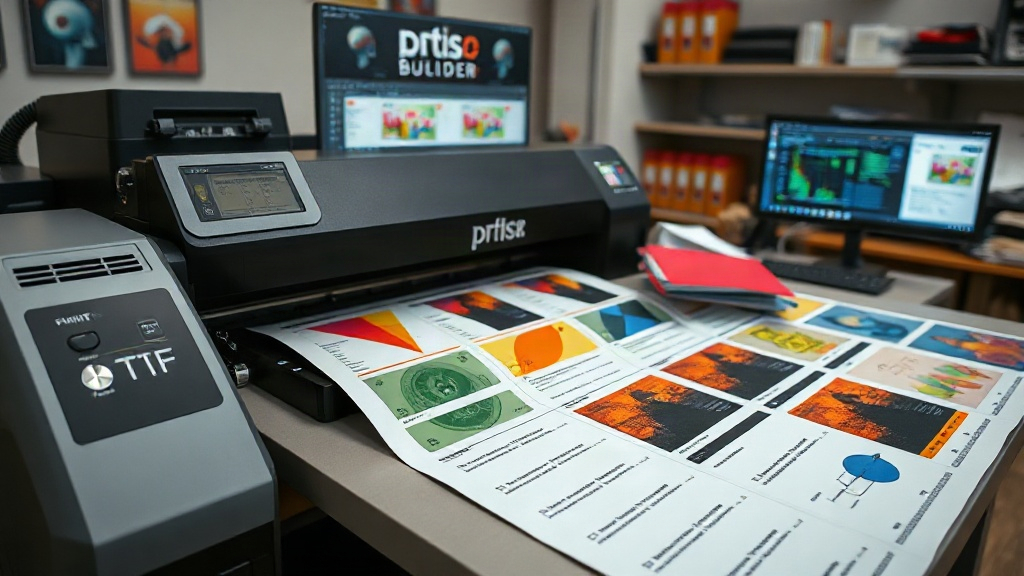
If you're in the custom apparel business, you've likely heard about DTF printing. It's a game-changer for transferring vibrant designs onto fabrics. But did you know that how you arrange those designs on a film can make or break your efficiency? Enter the DTF gangsheet builder—a tool that's quietly revolutionizing workflows for print shops and hobbyists alike. In this guide, we'll dive deep into what a gangsheet builder is, why it matters, and how to use it like a pro.
What is a DTF Gangsheet Builder?
A DTF gangsheet builder is a software tool that helps you arrange multiple designs onto a single sheet of DTF film. Instead of printing one design at a time, you nest them together like a puzzle, maximizing every inch of film. The result? Less waste, lower costs, and faster production. Think of it as a digital layout assistant that optimizes your printing area.
Most builders are web-based or integrated into RIP software. They let you upload your artwork, set spacing, and automatically arrange everything before sending it to your DTF printer. Some even calculate ink usage and film length, giving you a clear picture of your expenses.
Why You Need a Gangsheet Builder for DTF Printing
DTF printing involves transferring designs onto a special film, then applying heat and pressure to adhere them to fabric. The film isn't cheap, and neither is the ink. Without a gangsheet builder, you're likely leaving money on the table.
Cost Savings and Efficiency
By grouping designs, you reduce the amount of film used per print job. For example, if you have ten small logos, arranging them on one sheet instead of ten separate sheets can cut film consumption by up to 70%. That's a huge saving over time. Plus, printing multiple designs in one pass saves time and energy.
Consistency and Quality
Manual layout can lead to inconsistent spacing, which might cause cutting errors or misalignment during transfer. A gangsheet builder ensures uniform gaps and precise placement, so every design comes out perfectly. This is especially important for intricate designs or when printing in bulk.
Scalability for Your Business
As your orders grow, manual nesting becomes impractical. A builder allows you to handle larger volumes without hiring extra staff. It's a scalable solution that grows with your business.
How to Choose the Right DTF Gangsheet Builder
Not all gangsheet builders are created equal. Here's what to look for:
- Ease of use: A clean interface with drag-and-drop functionality saves time.
- Automation: Look for auto-nesting algorithms that optimize space.
- Compatibility: Ensure it works with your DTF printer and RIP software.
- Cost: Some are free, others require a subscription. Evaluate based on your volume.
- Support: Good customer support can be a lifesaver when you're on a deadline.
Popular options include GangSheetBuilder.com, DTF Gang Sheet Builder by DTF Printer, and features within RIP software like Cadlink or Wasatch. Many DTF film suppliers also offer their own builders as part of a package.
Step-by-Step: Using a DTF Gangsheet Builder
Ready to try it? Follow these steps:
- Prepare your artwork: Ensure all designs are in high resolution (300 DPI) and have transparent backgrounds (PNG format works best).
- Upload to the builder: Most tools let you drag and drop files or import from a folder.
- Set your parameters: Specify film width (e.g., 13", 24"), spacing between designs (usually 0.1-0.2 inches), and any rotation options.
- Arrange designs: Use auto-nesting or manually position each design. The builder will show you the total film length needed.
- Review and adjust: Check for any overlaps or excessive gaps. Some builders highlight wasted space.
- Export and print: Once satisfied, export the layout as a PDF or directly send it to your printer.
Pro tip: Always add crop marks or registration marks if your cutter requires them. Most builders have an option for this.
Common Mistakes to Avoid with DTF Gangsheets
Even with a builder, some pitfalls can trip you up. Watch out for these:
- Insufficient spacing: Too little space between designs can cause ink bleeding or cutting errors. Stick to the recommended gap.
- Ignoring film grain: DTF film has a direction; placing designs randomly might affect adhesion. Always align with the grain.
- Overlooking printer margins: Most printers can't print edge-to-edge. Leave a margin to avoid clipped designs.
- Forgetting about color profiles: Ensure your builder respects your printer's ICC profile for accurate colors.
Advanced Tips for Maximizing Your Gangsheet Builder
Once you're comfortable with the basics, try these advanced strategies:
Nesting by Size and Shape
Group similar-sized designs together to minimize gaps. Some builders have a 'nest by shape' feature that rotates designs for optimal fit.
Using Multiple Film Rolls
If you have a roll-to-roll printer, you can create longer gangsheets. But be mindful of the film's maximum length to avoid waste.
Integrating with Order Management
Some builders integrate with e-commerce platforms, automatically pulling orders and generating gangsheets. This is a huge time-saver for busy shops.
Frequently Asked Questions
What is the ideal spacing between designs on a DTF gangsheet?
The ideal spacing is typically 0.1 to 0.2 inches (2.5 to 5 mm). This allows enough room for cutting and prevents ink from bleeding between designs. However, check your printer's specifications, as some may require more space.
Can I use a DTF gangsheet builder for other printing methods?
While designed for DTF, some builders can be used for DTG (direct-to-garment) or sublimation printing. However, the spacing and nesting algorithms are optimized for DTF film, so results may vary. It's best to use a dedicated DTF builder.
How do I ensure my gangsheet builder respects color accuracy?
Make sure the builder supports ICC profiles and allows you to embed them in the output file. Also, calibrate your monitor and printer regularly. If the builder has a soft proofing feature, use it to preview colors.
Is a DTF gangsheet builder worth it for a small business?
Absolutely. Even for small volumes, the film savings and time efficiency can quickly outweigh the cost. Many builders offer free tiers or trials, so you can test before committing. Plus, as you grow, the tool scales with you.
Can I manually create a gangsheet without a builder?
Yes, you can use graphic design software like Photoshop or Illustrator to manually arrange designs. However, it's time-consuming and prone to errors. A dedicated builder automates the process and ensures optimal layout, saving you hours.
Mastering the DTF gangsheet builder is a smart move for any DTF printer. It's not just about saving money; it's about working smarter. Whether you're a solo entrepreneur or running a large shop, the right builder can streamline your production and boost your bottom line. So why wait? Start exploring gangsheet builders today and see the difference for yourself.